Not Sure? Show Me My Best Smile
Let our AI create a personalized smile preview based on the patient’s photo.
Show patients a possible new smile, capture their contact details, and manage follow-up from one simple dashboard.


Patients upload a smile photo and see a personalized preview of how their teeth could look after treatment. The AI is designed to focus on the teeth while keeping the rest of the photo consistent. This gives patients a clear visual to discuss with your team.
Every simulation on Growth and Pro plans automatically creates a short video that animates the patient’s smile transformation. It’s the “wow moment” that gets shared with spouses, friends, and family, bringing more people into the decision and helping patients book faster.

Drop a single code snippet onto your website and you’re live. The widget matches your branding, walks patients through treatment selection and photo upload, captures their contact details with consent, and delivers results, all without them ever leaving your site.
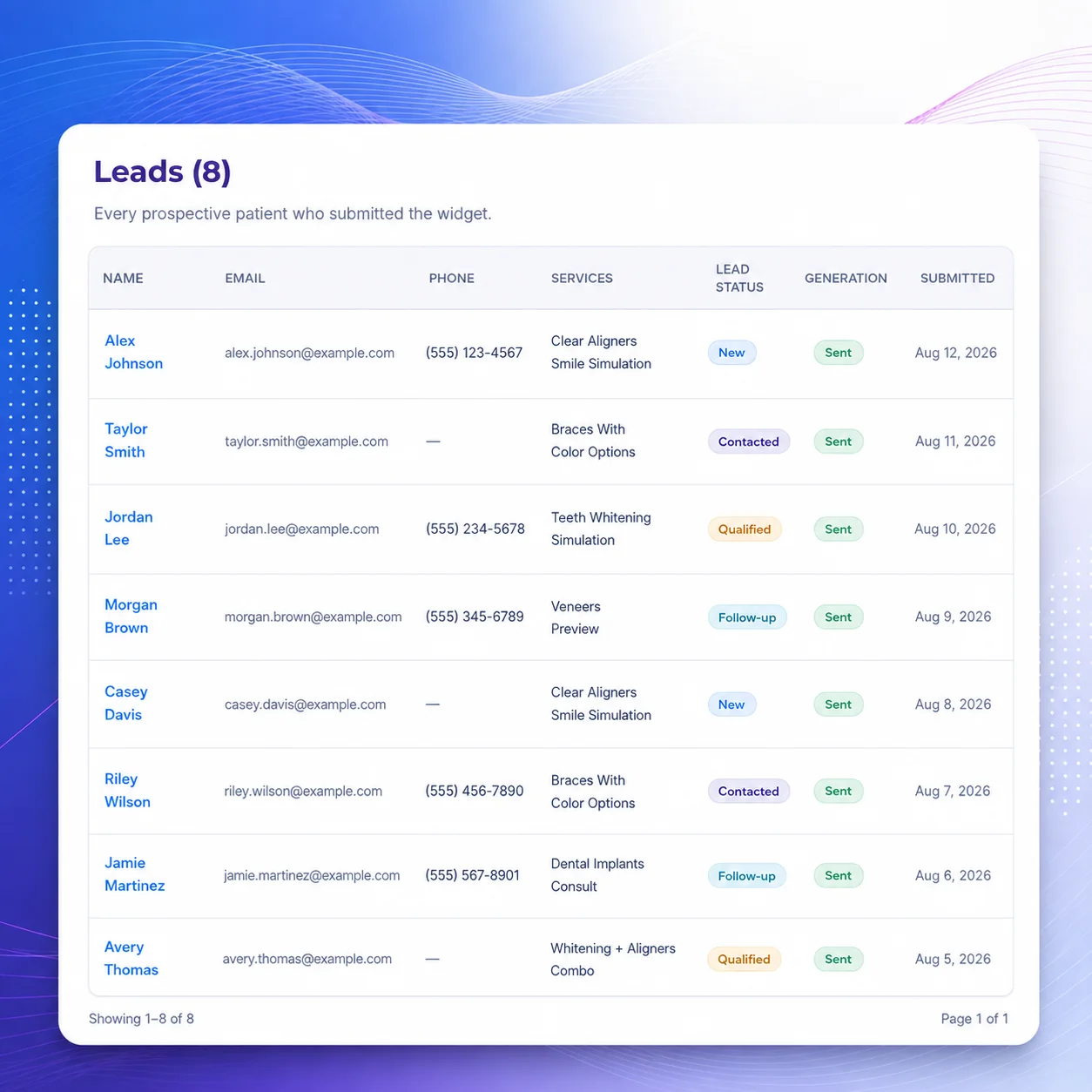
Each completed simulation creates a lead in your dashboard. You can see the patient’s name, contact details, treatment interest, and before and after images. Track when your team makes contact, books a consultation, and turns the lead into a patient.
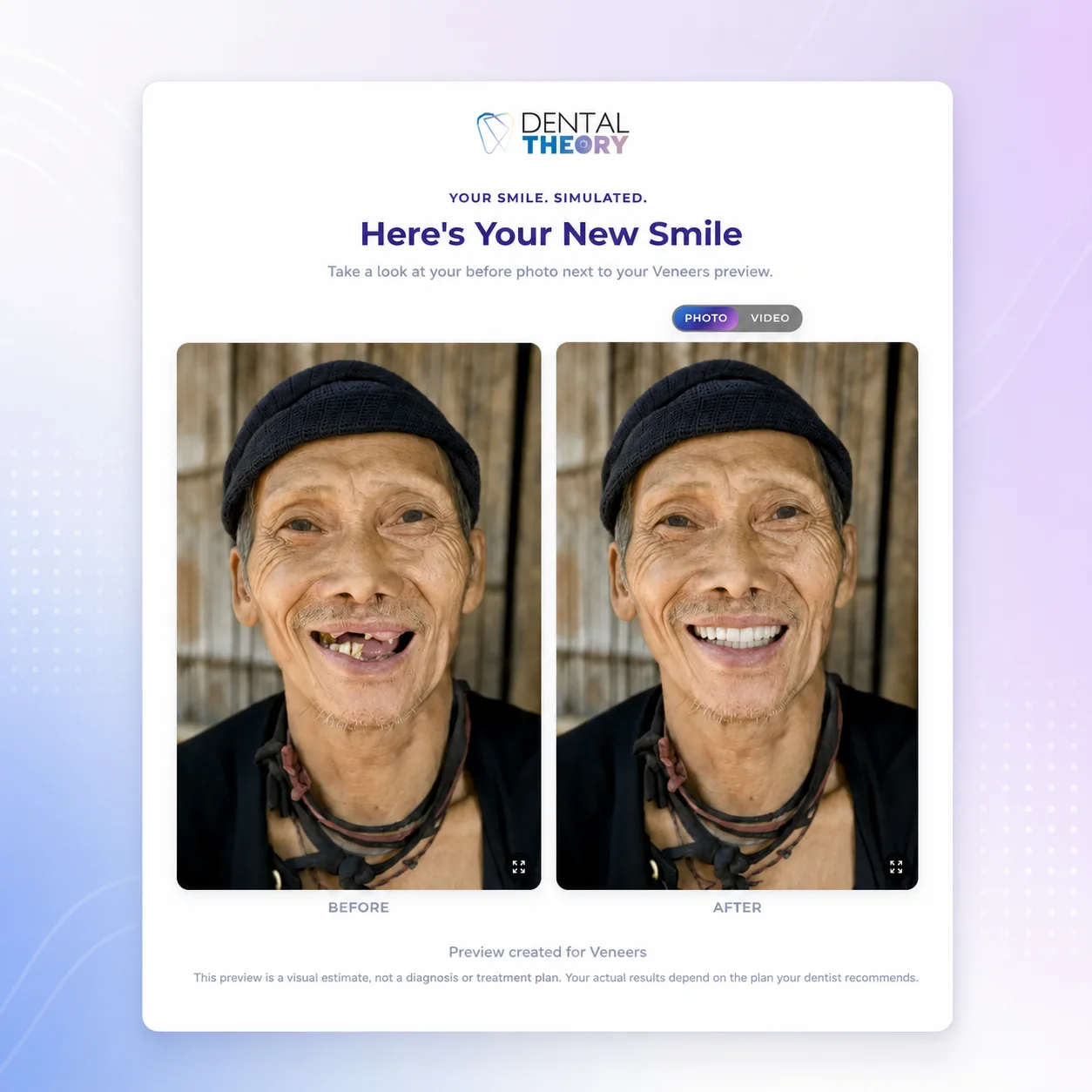
Each patient receives a secure results page with their before and after images. Growth and Pro plans can also include a reveal video. The page features your practice name, contact information, and next step, so patients can return to it or share it with family.
On the Pro plan, patients receive a unique code by email. They enter the code in the widget on your website to unlock their smile preview. They can view the result and take the next step, keeping them engaged on your site and one click away from booking.


Choose how patients receive their results. With Review First, your team checks each simulation before it is sent. With Auto-Send, results go out as soon as they are ready. Change the setting anytime from your dashboard.
Your team receives an email as soon as a patient submits a simulation. The front desk can follow up while the patient is still interested. There is no need to check a spreadsheet or wait until the end of the day.

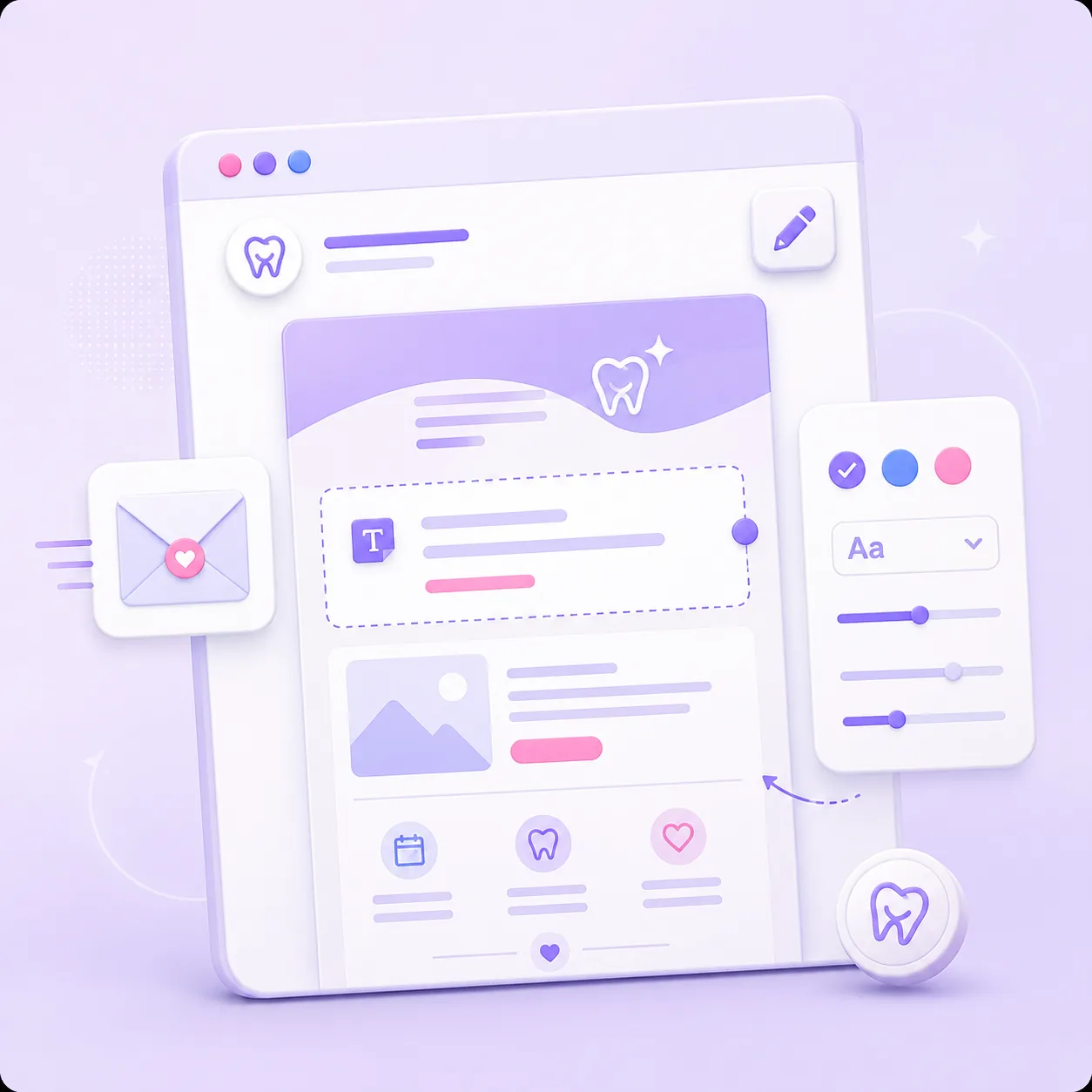
Customize the emails patients receive with your practice’s own words, tone, and next steps. Every message feels like it came directly from your team.
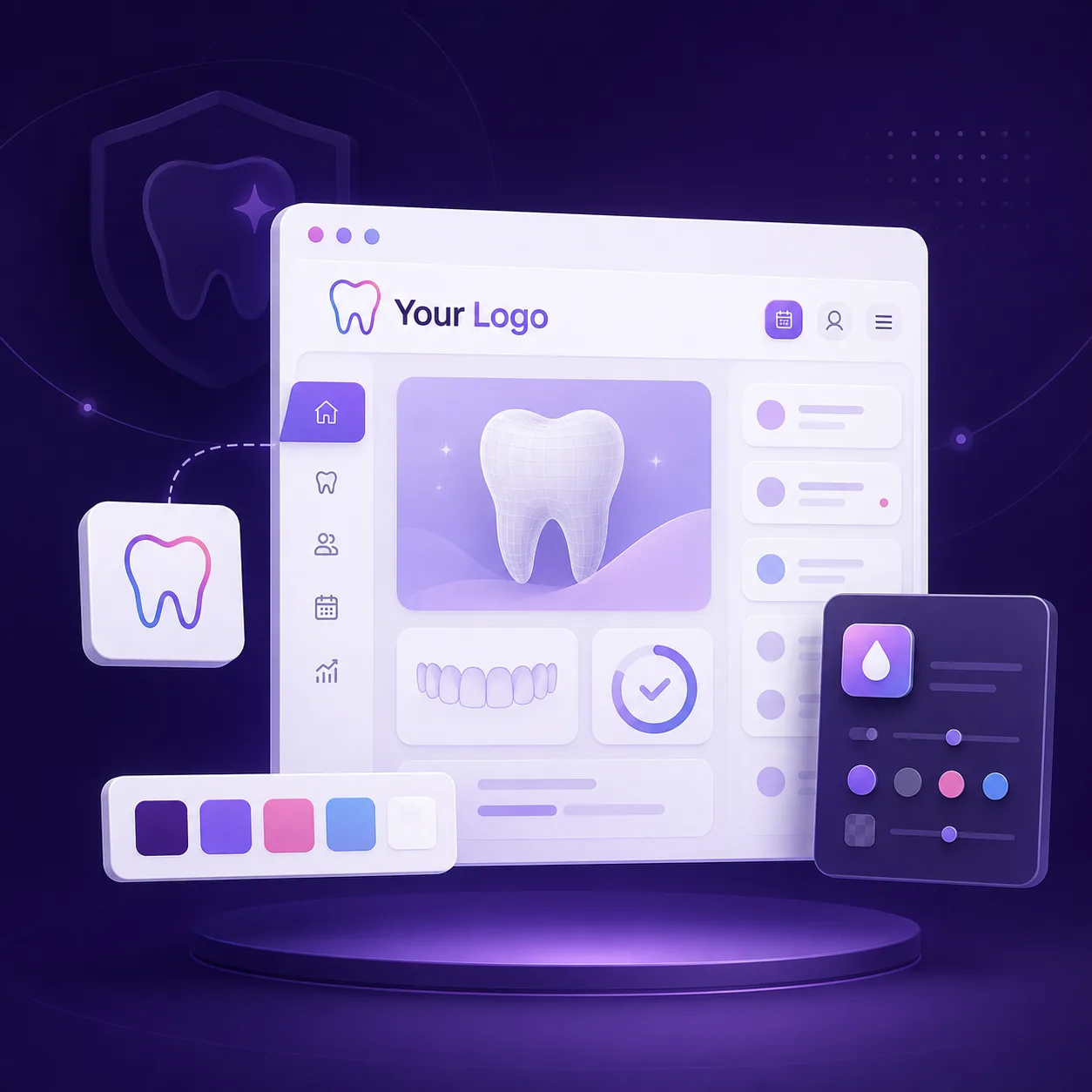
Growth and Pro plans remove Smile Simulator branding from the widget and results. Patients see your practice name, colors, and logo, so the experience feels like part of your website.
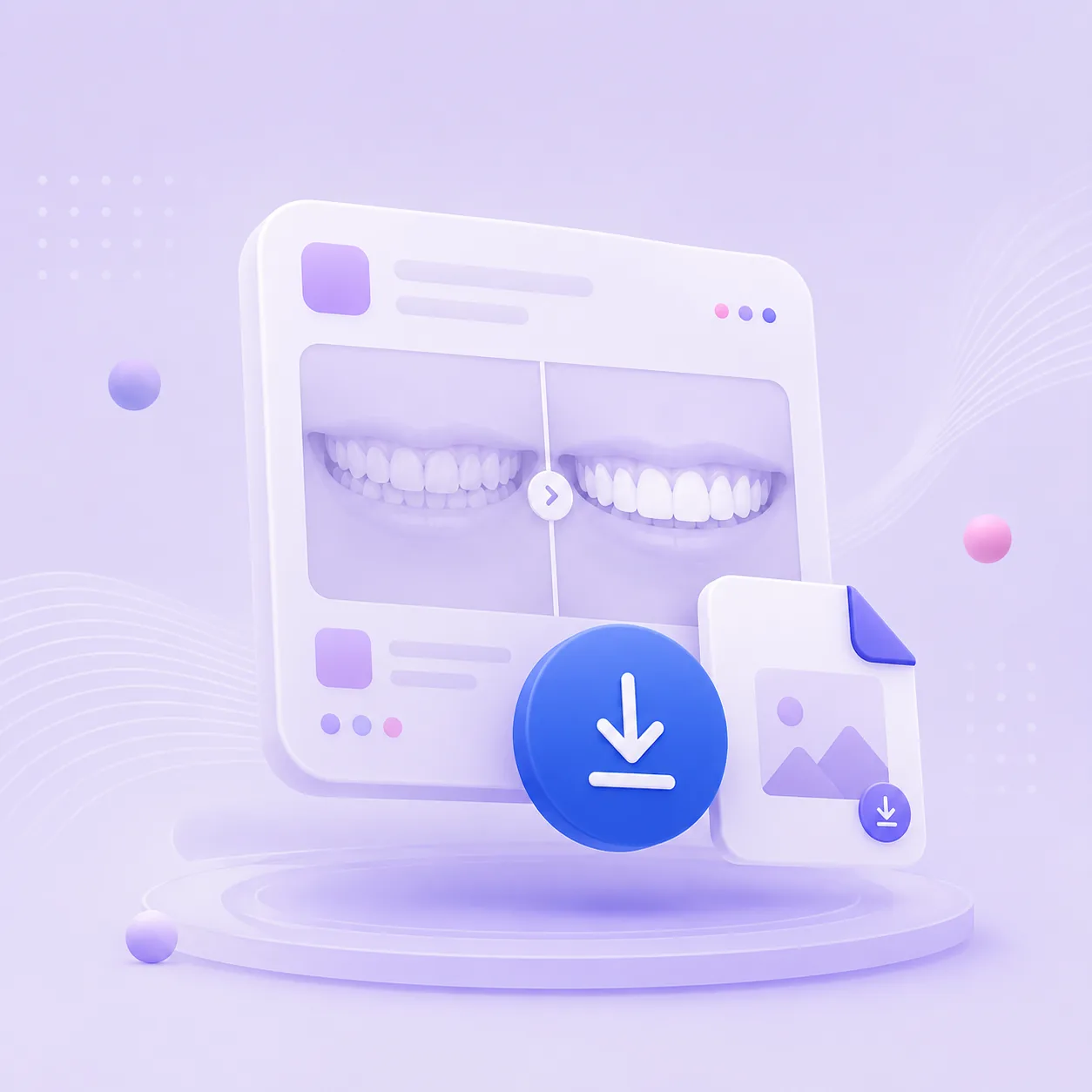
Download high-resolution before and after images. Use them in consultations, treatment presentations, or practice records. Your team can have the images ready when the patient arrives.
Give separate logins to your front desk, treatment coordinators, and doctors. Starter includes 1 user, Growth includes 3, and Pro includes up to 10. Your team can manage leads and review simulations from the same dashboard.
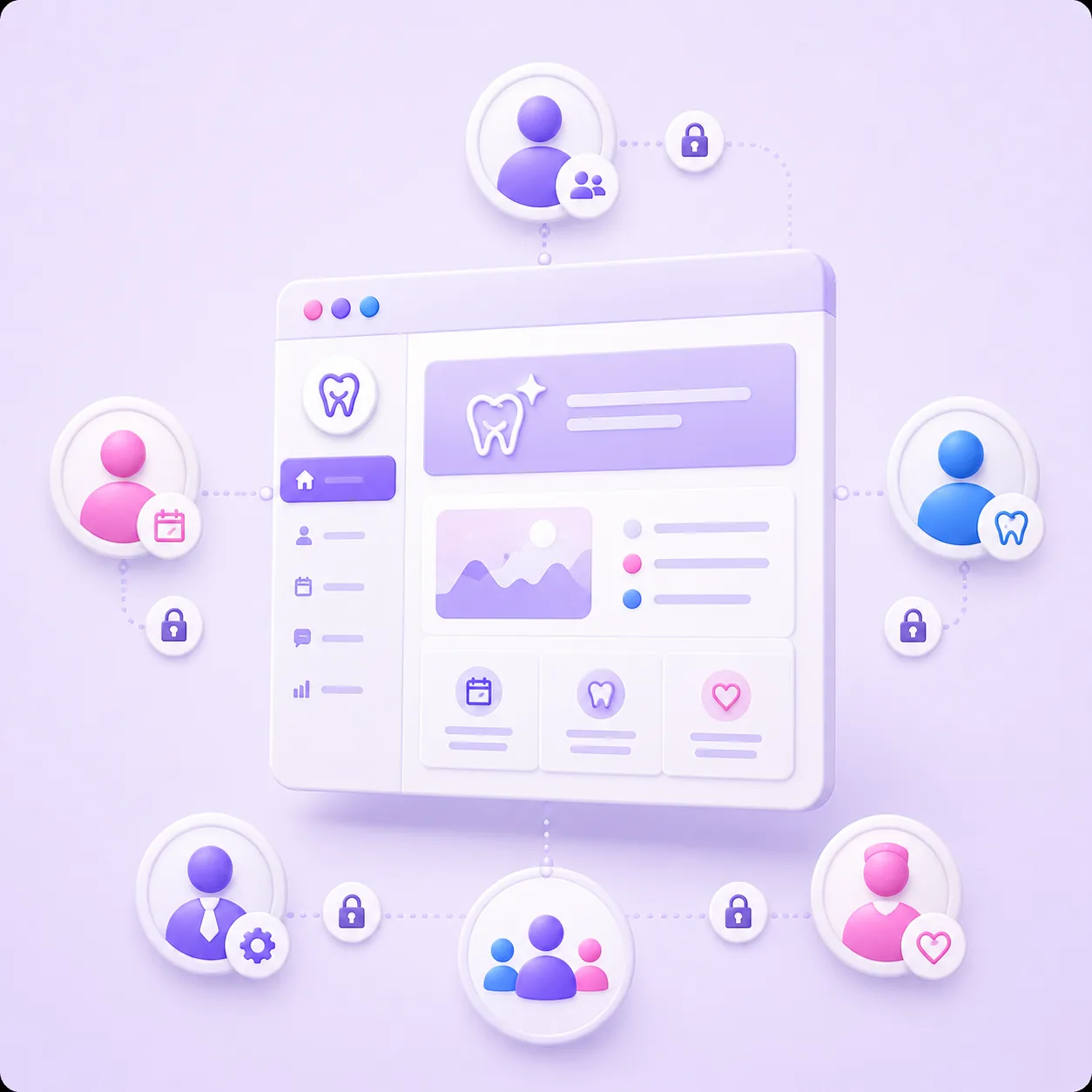

Patient photos and contact information are handled with care. We use encrypted storage and trusted, compliant vendors. We treat patient data the way a healthcare tool should, seriously.
Pro practices get priority access to our support team. Questions get answered faster, issues get fixed sooner, and you have a direct line when it matters most.

See which Smile Simulator plan fits your practice and start showing patients what could be possible.