Starter
For practices putting AI smile previews on their website for the first time.
$199/month
- 100 AI image generations per month
- Custom patient results page
- Embeddable website widget
- Lead dashboard and pipeline
- 1 staff user
Let prospective patients preview what their smile could look like after treatment. Smile Simulator captures their contact information, treatment interest, and excitement before your team ever picks up the phone.

Some patients need to see the possibility before they feel ready to move forward. Photo and video simulations bring potential results to life, helping patients picture treatment with greater confidence.








Every step, from uploading a photo to viewing a smile preview, is designed to feel simple and intuitive.
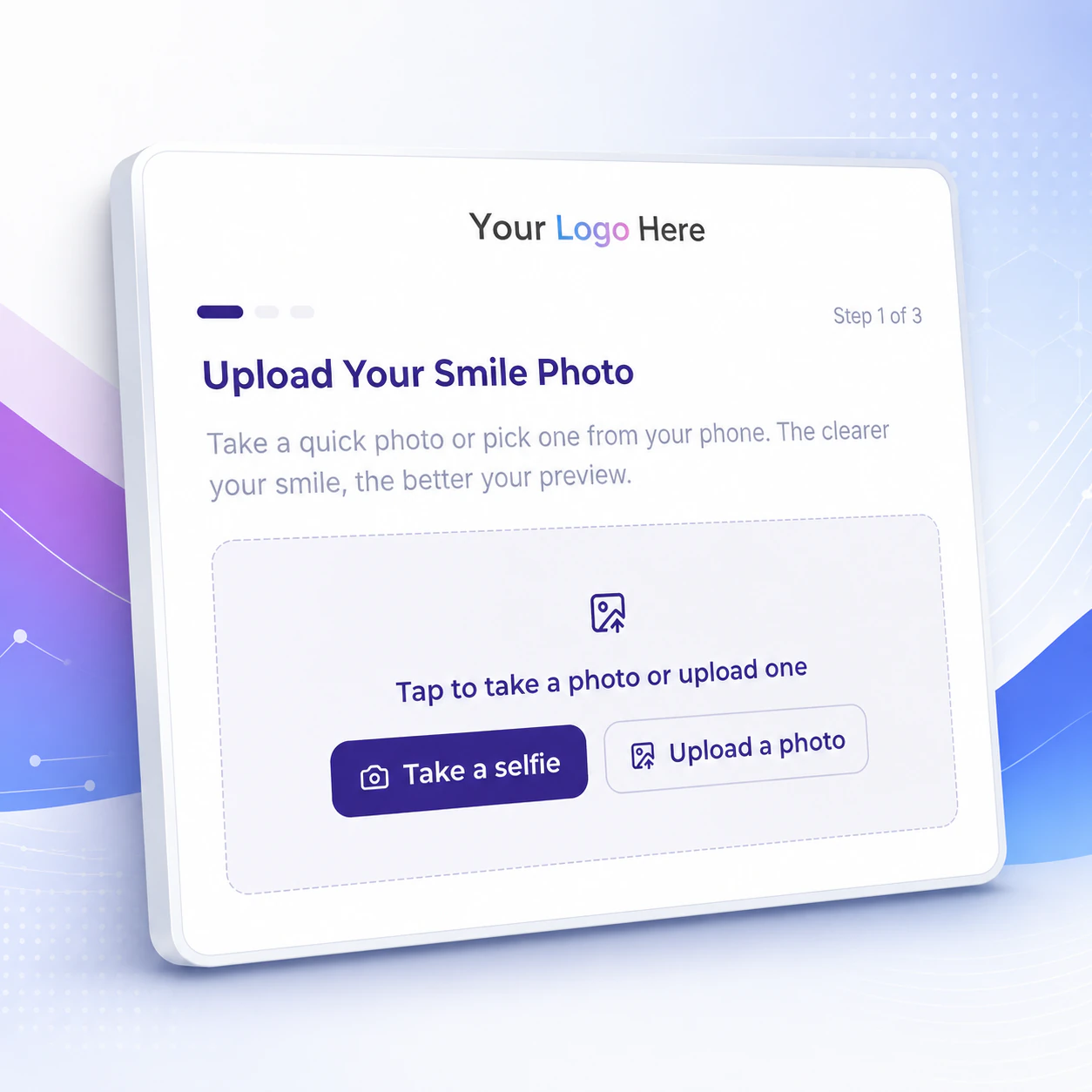
Patients take a quick selfie or choose a photo from their phone. No app download required.
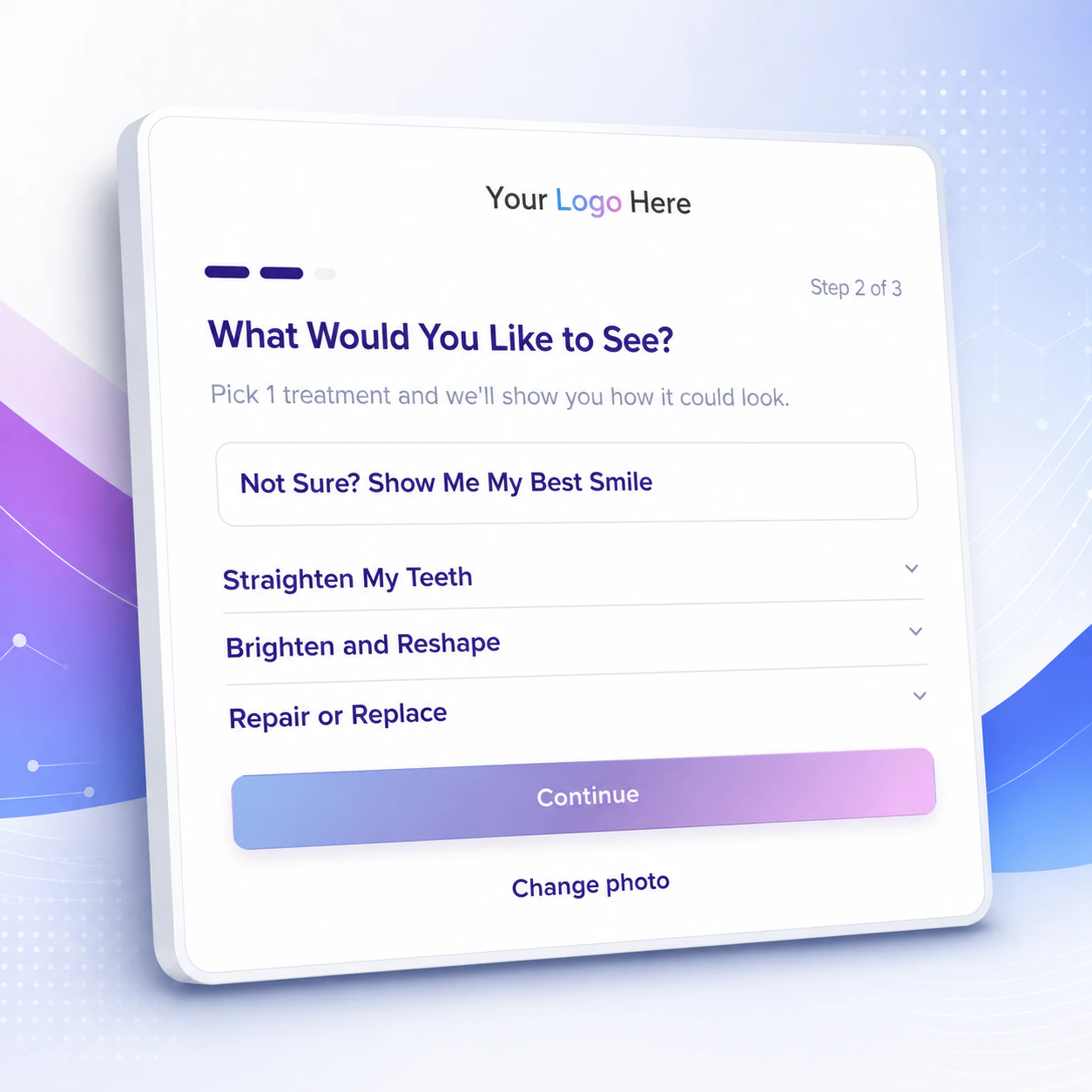
They select a treatment or choose “Show Me My Best Smile” if they are not sure where to begin.
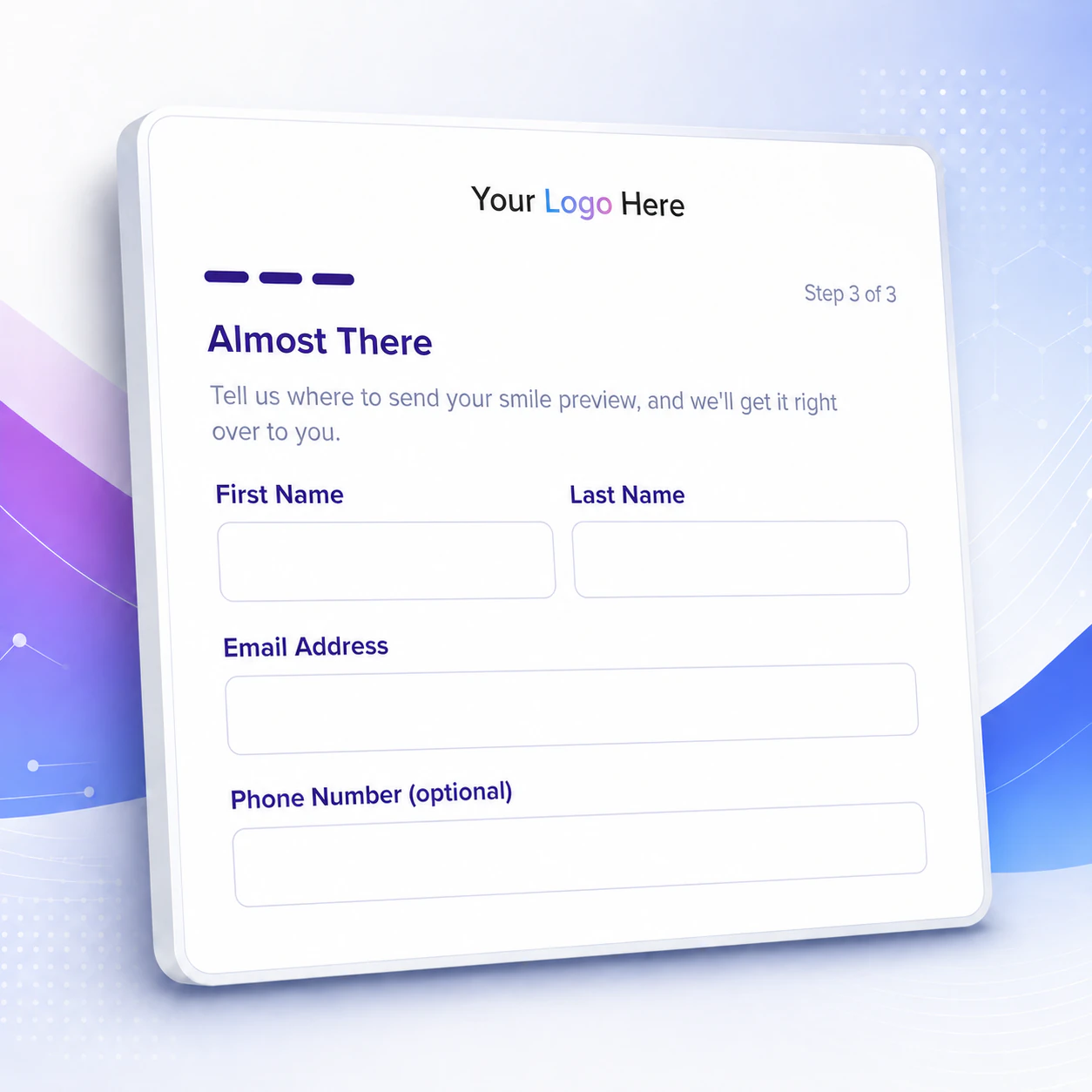
They share their name and contact information so your team can follow up.
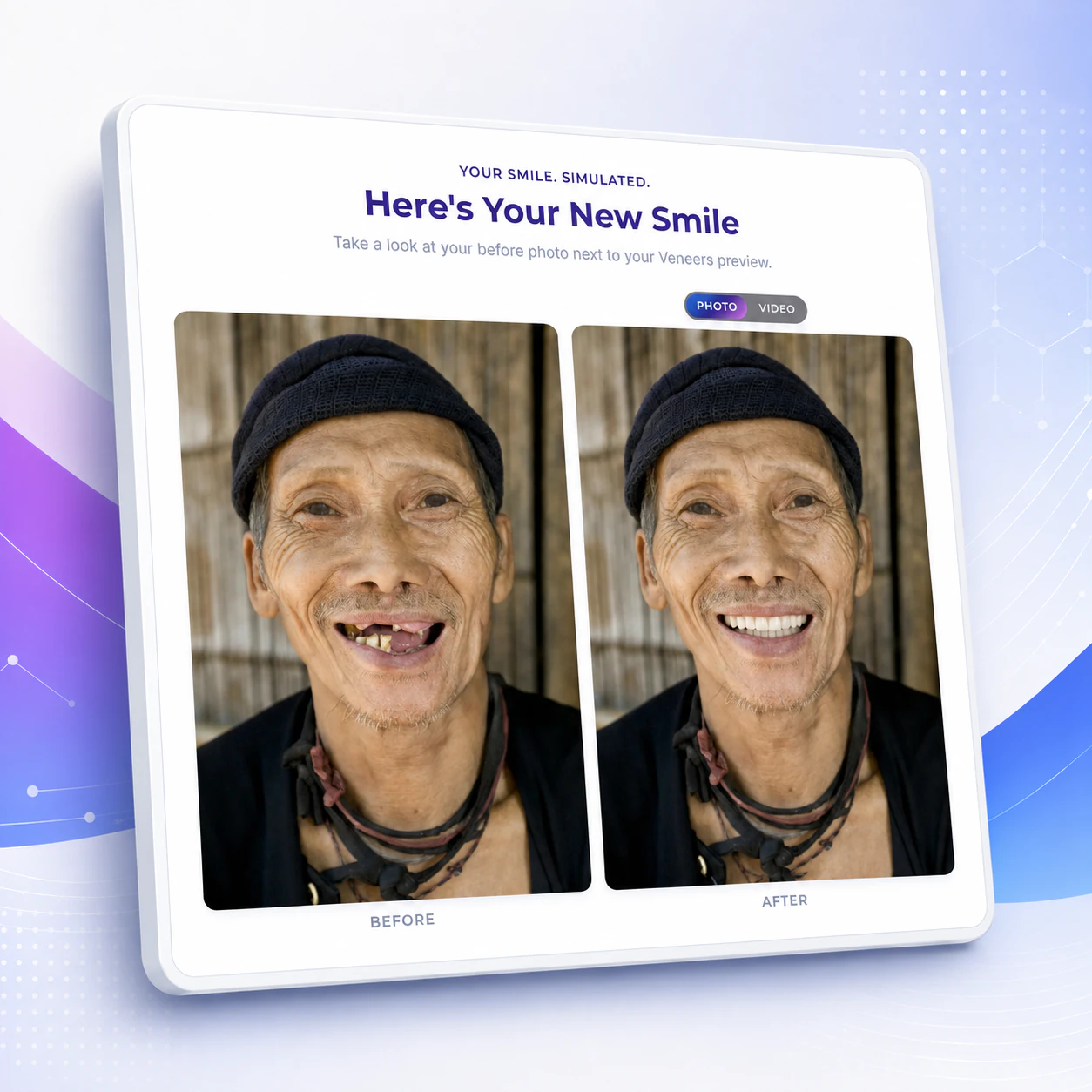
They see their before-and-after simulation and can take the next step toward booking a consultation.
Smile Simulator captures and organizes patient interest automatically, while your team stays in control of personal follow up.
Patients have already picked a treatment and pictured their result before your team reaches out.
Smile Simulator collects the lead, builds the simulation, and emails patients their result with your next steps.
See every lead's contact info, treatment choice, original photo, and simulated image, all from one dashboard.
Customize the email patients receive with their result, next steps, and a call to action like booking an appointment.
Your practice gets an email the moment a new patient submits a simulation.
Choose your colors, fonts, and branding so the experience feels like part of your website.
Patients can explore treatment whenever they are ready. Each lead is organized in your dashboard so your team can follow up personally.
Patients can start a smile simulation day or night.
No downloads are required. Everything happens through your practice's website.
One dashboard keeps contact details, treatment interest, photos, and simulations together.
Generic AI tools stop at the image. Smile Simulator captures patient details and treatment interest, then connects that patient back to your practice.
| Comparison category | Generic AI Image Tool | Smile Simulator |
|---|---|---|
| Patient result |
Creates a standalone image.
|
Creates a treatment-focused smile preview.
|
| Lead capture |
Does not capture patient details.
|
Captures contact details and treatment interest.
|
| Result delivery |
No practice-branded result email.
|
Sends a branded result email with next steps.
|
| Booking path |
No connection to practice booking.
|
Directs patients to your booking call to action.
|
Customize your simulator, add one line of code, and start turning website visitors into smile leads.
Add your logo, brand colors, and available treatments.
Place one line of code on any page where you want the simulator to appear.
New patient details and smile simulations appear directly in your dashboard.
Cancel anytime.
For practices putting AI smile previews on their website for the first time.
Adds AI video previews and takes Smile Simulator branding off your results.
Highest volume, in-widget reveal, and priority support for busy practices.
Smile Simulator combines the clinical perspective of cosmetic dentist Dr. Chris Karapasha of Dental Theory with Eric and Nicole Pulizzano's experience designing, developing, and marketing websites for dental and orthodontic offices.

Cosmetic Dentist
Dental Theory
Brings the perspective of a practicing cosmetic dentist and a direct understanding of how patients consider cosmetic treatment.

Dental Marketing Specialist
MegaByte Dental
Combines software development with extensive experience helping dental and orthodontic offices grow online.

Dental Website Designer
MegaByte Dental
Creates clear, welcoming websites that help patients understand their options and feel ready to take the next step.
Add one embed snippet to any page where you want the simulator to appear. The experience lives within your website and can be easily styled to match your brand.
No. Patients complete the experience through their web browser or mobile phone, on your website. They receive an email when their smile simulation is ready. On Pro, that email carries a code they enter in your widget, so the reveal happens on your site.
The simulation is a treatment-focused visualization that helps patients picture a possible change to their smile. It is clearly presented as a cosmetic simulation, not a diagnosis, treatment plan, clinical prediction, or guarantee of results.
Your practice chooses which available treatments appear in the experience. Patients can select the option that interests them or choose “Show Me My Best Smile” if they are not sure where to begin.
Yes. You can customize the treatments, logo, colors, fonts, and the email patients receive with their result, including your preferred next steps and call to action.
Your practice receives an email notification, and the lead appears in your dashboard with their contact details, treatment interest, original photo, and simulation. You choose whether results send automatically or wait for your review first, so nothing reaches a patient until your team is ready. Your team stays in control of personal follow up.
An image generation produces the before and after photo. A video generation animates the reveal. Starter includes image generations, and Growth and Pro include both.
You can add credits without moving up a plan. Starter plans can add 50 image credits for $49, and Growth and Pro plans can add 50 image and video combos for $69. Add-on packs are one-time purchases that apply to your current billing period.
Experience the same smile simulation journey your prospective patients will use on your website.